


How to use Nafis
Watch the one-minute video, then follow the steps below. Each step has a button that takes you straight to its page.
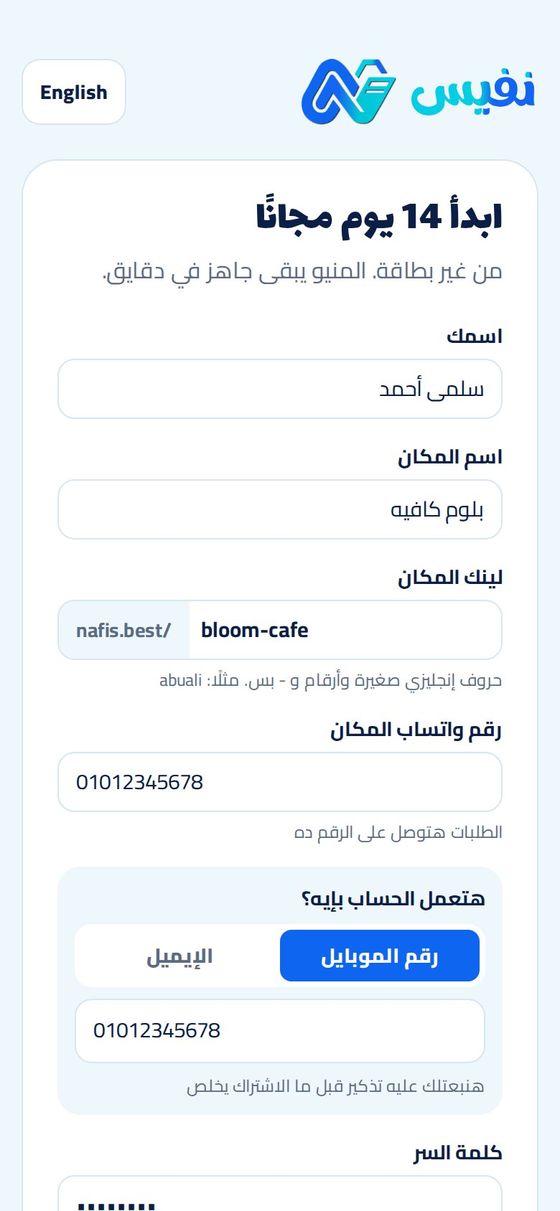
Create your account
It takes about a minute, and the first 14 days are free with no card.
- Sign up with your mobile number, your email, or your Google account.
- Write your name and the name of your place as customers know it.
- Choose your menu link, for example nafis.best/bloom-cafe. Lowercase English letters, numbers and dashes.
- Add the WhatsApp number that will receive orders. You can change it later.
Tip: The trial includes every Pro feature, so you can try all three styles before you choose a plan.
Add your menu
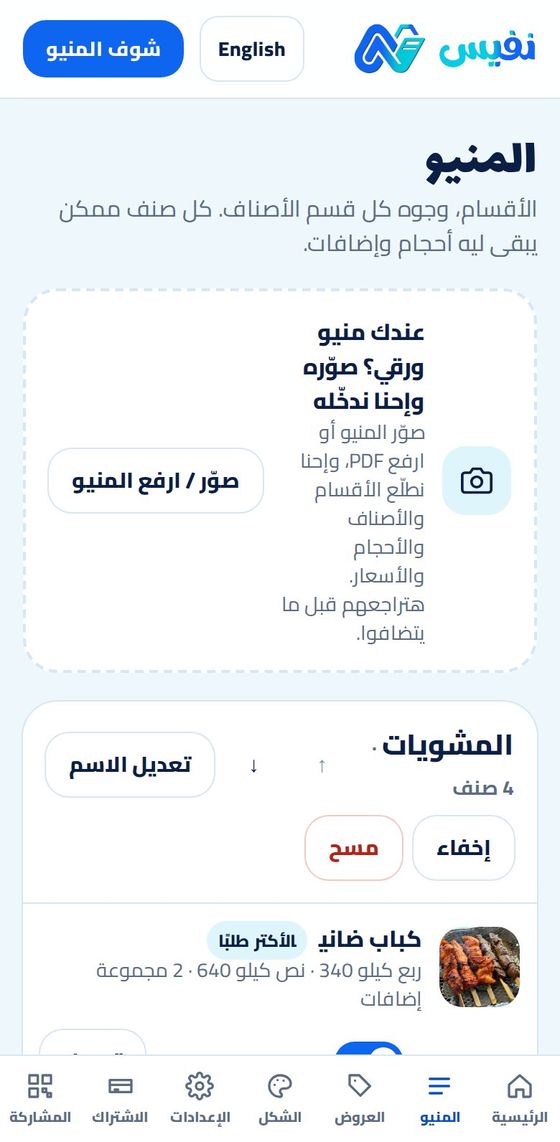
Two ways: let the site read your paper menu, or add the items yourself.
- Photograph your paper menu (or upload a PDF) and the site reads the sections, items, sizes and prices. You can upload several photos at once.
- Review what was read and fix anything before it is added.
- Or add a section, then its items: name, description, photo and price.
- Each item can have sizes with different prices (small, medium, large).
- Add-on groups can be required (choose a side) or optional (extra cheese), and you reuse one group on many items.
- Mark an item “sold out today” with one switch, and reorder sections and items with the arrows.
Tip: Clear, well-lit photos of the paper menu give the best reading.
Choose the look
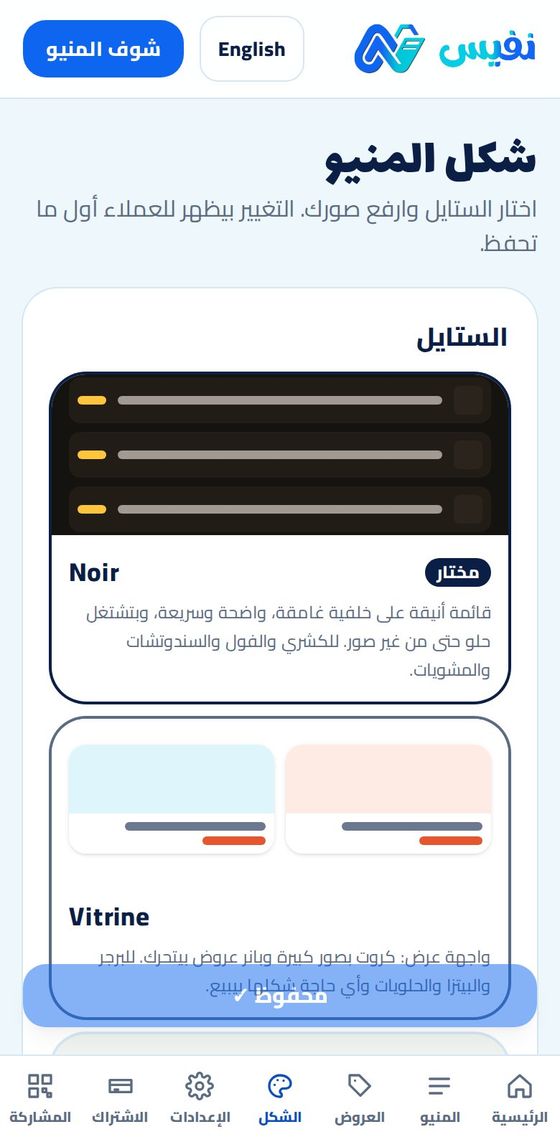
The same menu in three different layouts. Switch any time without re-entering anything.
- Noir: a dark, fast list that works even without photos. Good for koshary, sandwiches and grills.
- Vitrine: large photo cards and a moving offers banner. Good for sushi, pizza and desserts.
- Verde: calm squares with side sections. Good for cafés, juices and desserts.
- Pick your brand colour, upload your logo and a cover photo.
- The cover photo is also what appears when your link is shared on WhatsApp or Facebook.
- A live preview shows the result before you save.
Tip: Noir is in the Basic plan. All three styles and your brand colour are in Pro.
Set up delivery and details
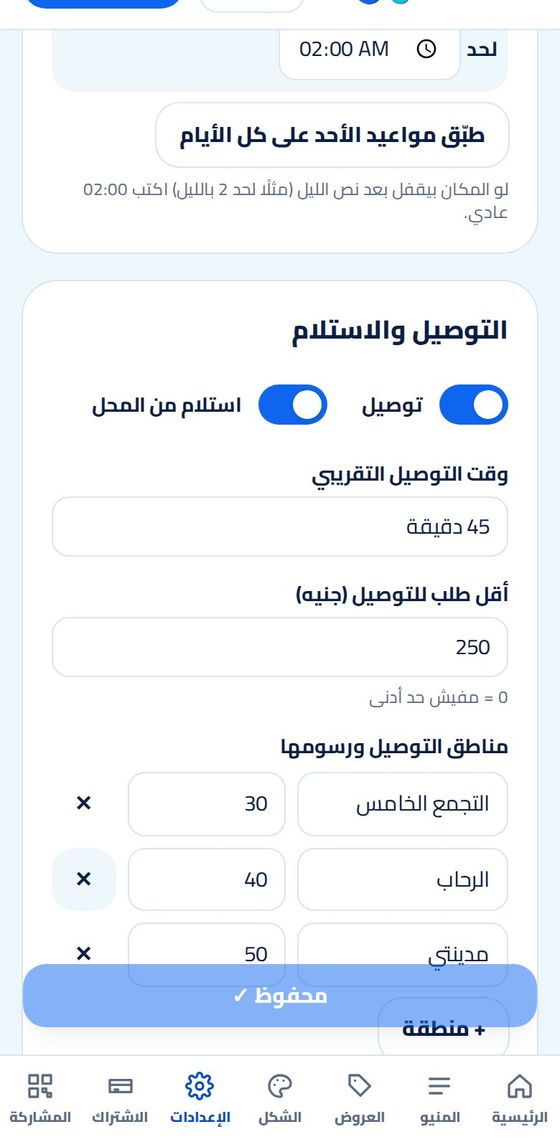
This is what the customer sees before ordering, and what the delivery fee is calculated from.
- Your WhatsApp number for orders, plus up to 5 phone numbers for the “Call us” button.
- Address and a Google Maps link.
- Working hours for each day. The menu shows “open” or “closed” automatically.
- Turn delivery and pickup on or off, and set the estimated delivery time.
- A minimum order, and delivery zones each with its own fee.
- Menu language: Arabic, English, or both with a switch for the customer (Pro).
Publish the link and the QR
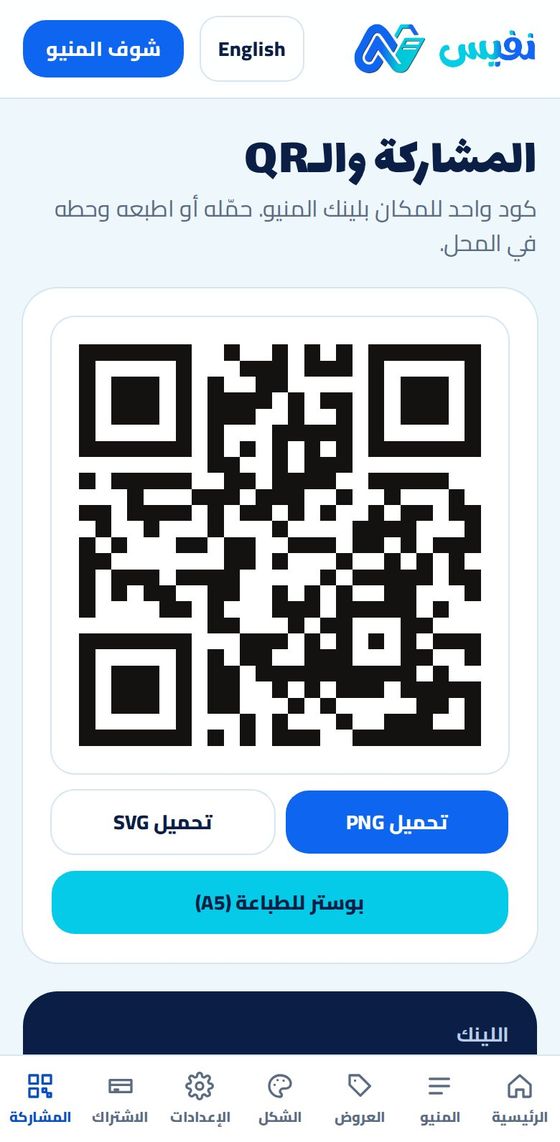
One link and one QR code for your place. Any change you make appears immediately.
- Copy the link and put it in your Facebook and Instagram bio and your WhatsApp status.
- Download the QR as PNG or SVG, or a ready A5 poster to print and place in the shop.
- Share buttons for WhatsApp and Facebook are on the same page.
- Your products with photos also appear in Nafis Market (nafis.best/explore) so nearby customers can find you. Set your business type and area in Settings.
- Add offers with a photo, price and an end date. They appear as a banner on top of the menu and disappear on their own.
Tip: The QR never changes, even if you change prices, items or the style.
Receive orders on WhatsApp
The customer needs no app and no account.
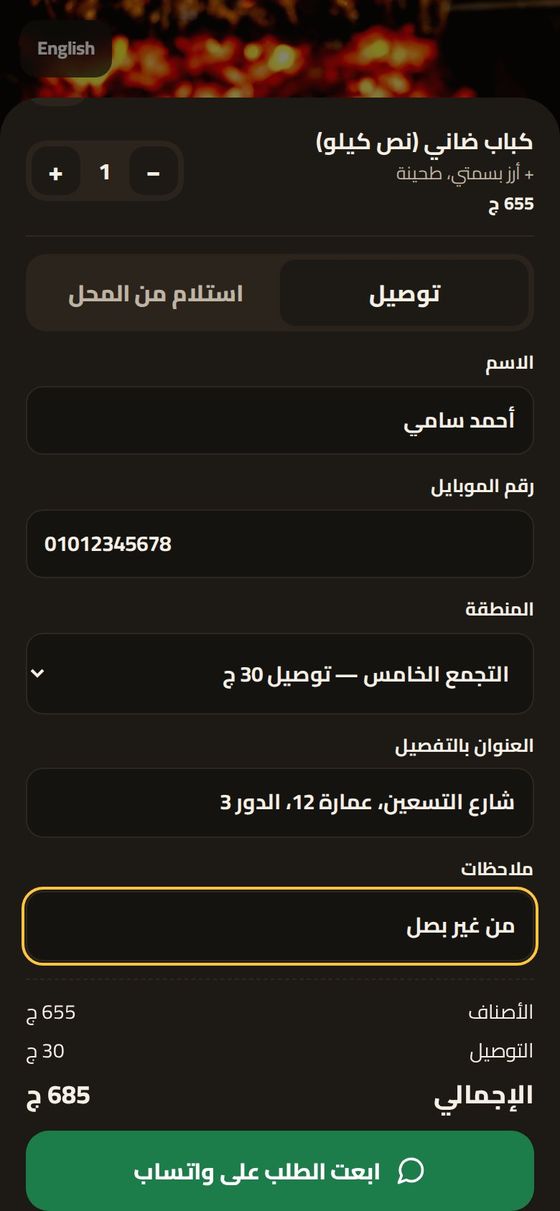
- The customer opens the link, picks items, sizes and add-ons, and adds them to the cart.
- They choose delivery or pickup, and write their name, mobile, area and address.
- The delivery fee is added by area, and the total is shown before sending.
- They tap send and WhatsApp opens with a ready message to you: items, address, notes, total and an order number.
- You confirm with the customer on WhatsApp. Delivery and payment are between you and them.
- Recent orders and how many people opened the menu appear on your dashboard home.
Tip: Nafis takes no commission on orders.
Subscribe and pay
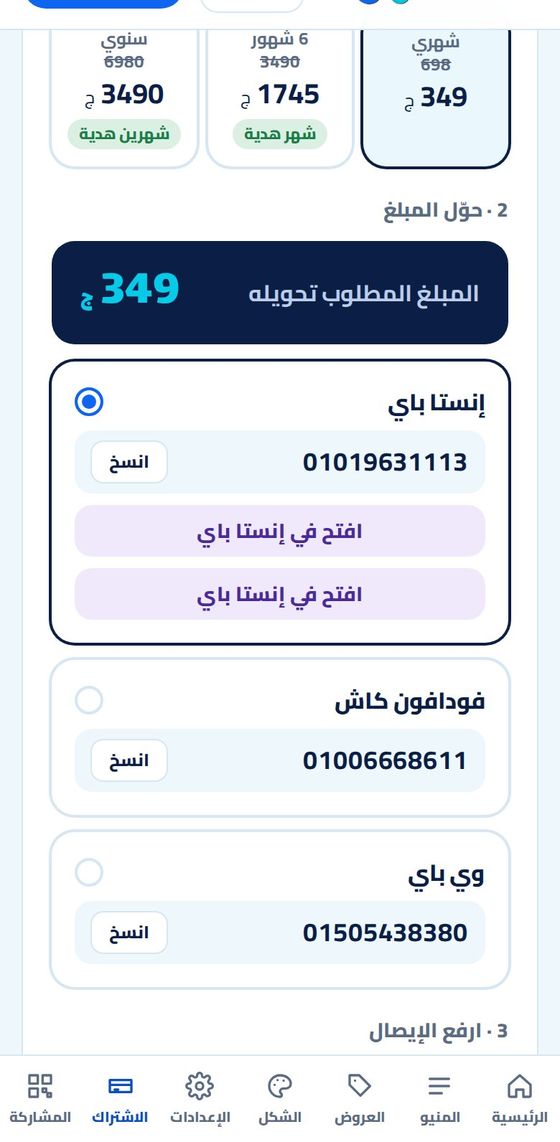
After the trial, choose a plan. Basic is EGP 199 a month and Pro is EGP 349 (launch offer, 50% off for a limited time).
- Open the Subscription page and choose the plan and the period: monthly, 6 months (1 month free) or a year (2 months free).
- Transfer the amount by InstaPay or Vodafone Cash. The numbers are on the page with a copy button.
- Upload a photo of the receipt. The plan is activated straight away, and our team reviews the receipt afterwards.
- You get a reminder by email and WhatsApp before the subscription ends.
- Upgrading from Basic to Pro mid-period costs only the difference for the remaining time.
- If the subscription ends, the menu stays visible for 3 days, and all your data stays saved.
Ready to start?
14 days free, no card needed.
Need help? WhatsApp us 01006668611